
ChatGPT + Claude + your recipe collection
A little imagination.
A lot to cook.
Mealbench’s MCP connections bring your recipe collection into the conversation.
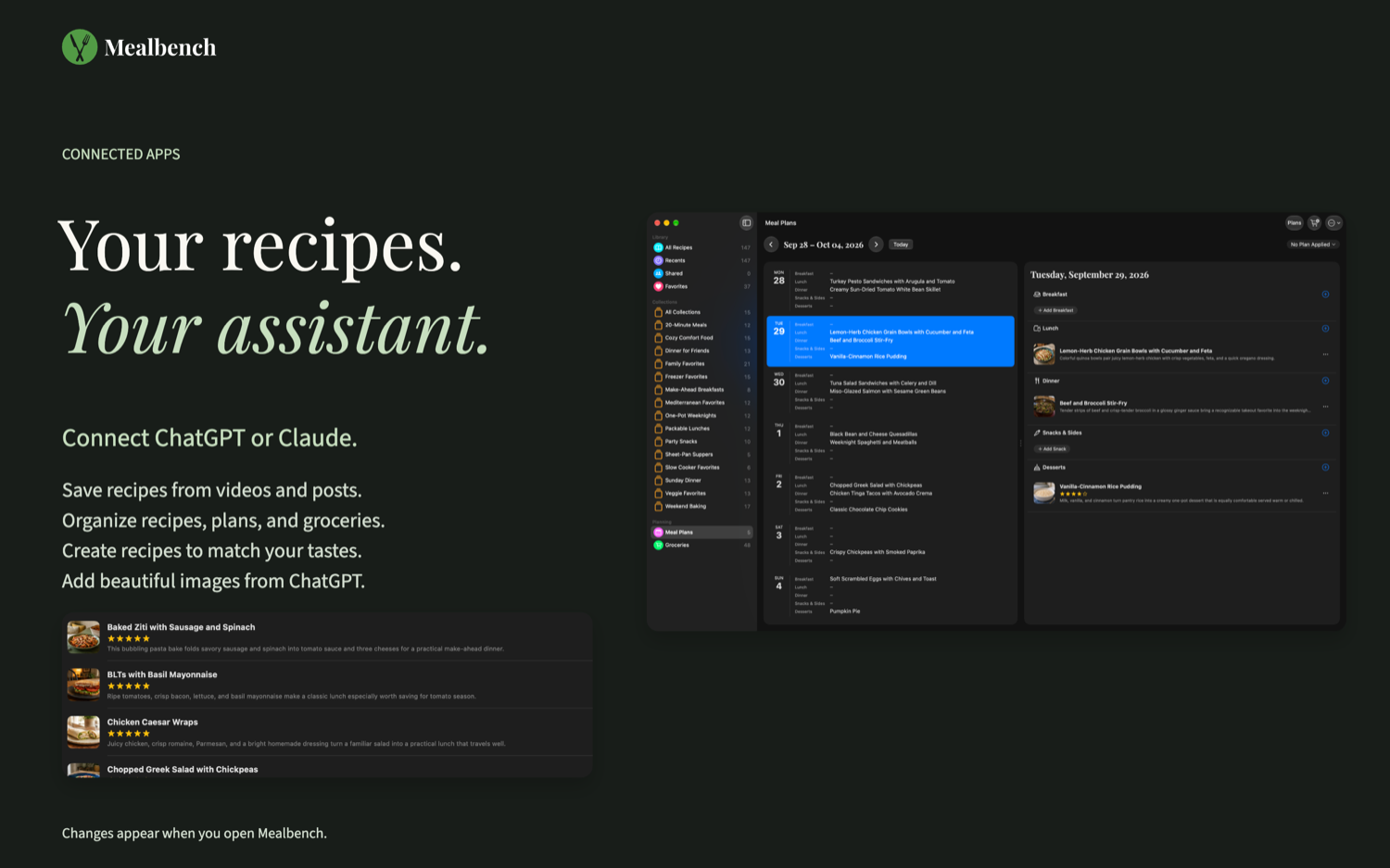
Connect Mealbench to ChatGPT or Claude to find, write, and organize recipes, plan your meals, and build your grocery list. MCP is the connection that lets your assistant send requests to Mealbench. Your own app applies each change when it is open.
Give a new idea a home.
Develop a recipe in a conversation, or bring one from an accessible web page. Ask your assistant to add the ingredients, directions, times, servings, and source to Mealbench. Try a variation by making a copy of an existing recipe and adapting it.
“Make a copy of the banana bread and change it to use whole wheat flour.”
A week with a little more breathing room.
Find favorites, organize them into collections, and put them on your meal plan. Add a quick meal for leftovers, move dinner to another day, or save a week to use again. Applying a saved plan adds to the meals already on your calendar.
“Plan dinners for next week from my favorites, then put everything on my grocery list.”
The finishing touches are yours.
Attach a photo you provide, change one ingredient, add a rating, or record that you cooked a recipe. The connector can attach up to five photos to a recipe from files or links; it does not generate images.
“I cooked the chili tonight. Mark it cooked and give it 5 stars.”
Your app makes the change.
Requests are queued and applied by your Mealbench app. An assistant can check whether a change was applied, refused, is still in progress, or is unconfirmed. If you changed an item after the assistant read it, your newer change wins. Deleting and removing items stays in Mealbench.
While connected, a copy of your library is kept on Mealbench’s servers so your assistant can read it. After disconnecting your last assistant, you can delete that copy in Settings → Connect. Your device and iCloud library are untouched.
Explore capabilities, limits & FAQs ↗Your choice, always.
These connections are optional. You can use every part of Mealbench’s recipe organization, meal planning, and cooking experience without AI. ChatGPT and Claude have their own account requirements, availability, privacy policies, and possible fees.
Review generated ingredients and instructions before cooking. Check dietary restrictions and food-safety details yourself.
Ready to get connected?
Connect your recipe library to ChatGPT or Claude in four steps. Our guide walks you through the code, the connector, and approval in Mealbench.
Connect your assistant ↗